Easy Shopee checkout
Open a product's Shopee listing when you are ready to continue with checkout.
 Nath and NiksONLINE STORE
Browse products
Nath and NiksONLINE STORE
Browse products
Browse current products, compare details and prices, then choose the ordering option that works best for you.

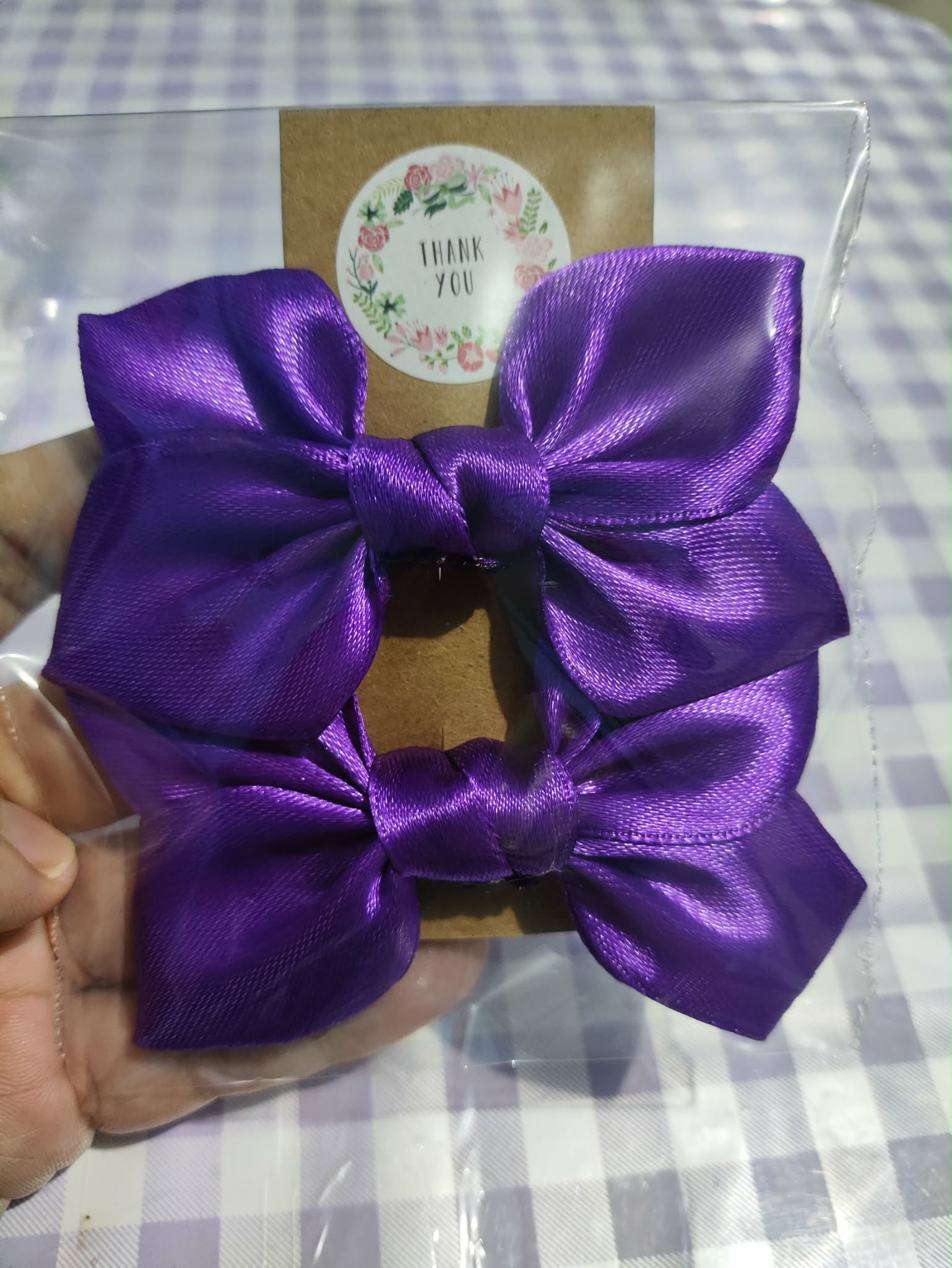
Popular picks worth a closer look.
See the latest published finds from Nath and Niks.
Current offers while they are available.
Open a product's Shopee listing when you are ready to continue with checkout.
Ask the store about a product before ordering, with its details ready to copy.
Review product photos, prices, and availability before choosing how to order.
Each published product shows its current stock status, including pre-order items.
Nath and Niks Online Store is a simple place to browse thoughtfully chosen everyday finds. Product details live here, while Shopee and Messenger keep ordering straightforward.
This introduction can be updated when the store's full brand story is ready.
This section is reserved for verified customer feedback as it becomes available.
Choose a product, review its details, then continue to Shopee or contact the store through Messenger.
Yes. Products with an active Shopee listing include a Shopee button on the card and product page.
Open the product page, copy the prepared inquiry message, then use the Messenger button to contact the store.
Each product page shows its current status, such as in stock, low stock, sold out, or pre-order.
Pre-order means the item is not immediately available. Message the store for current details before ordering.
Use Shopee for product listings and checkout, or Messenger when you would like to ask first.